Table of contents
Clyr - Chrome Extension: Automated Expense & Invoice Management Tool
Clyr Chrome Extension automates expense tracking and invoice management, saving you time with seamless, real-time financial organization.
Directory : AI Product Description Generator, AI Accounting Assistant, AI CRM Assistant, AI Document Extraction, AI Documents Assistant, Browser Extension
What is Clyr ai chrome extension?
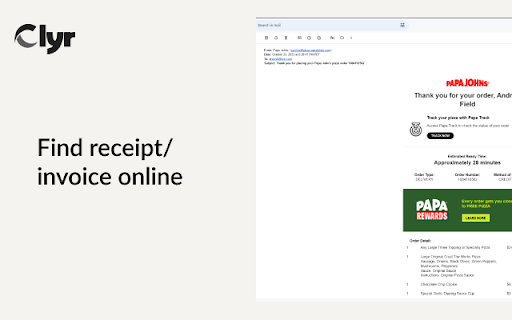
Clyr is an advanced Chrome extension designed to automate the process of managing expenses, capturing receipts, and handling invoices. Whether you’re a freelancer or a business, it simplifies your spend management with real-time efficiency.
How to use Clyr ai chrome extension?
1. Install the Clyr extension from the Chrome Web Store.
2. Register for a Clyr account or sign in.
3. Whenever you receive a receipt or invoice, click the Clyr icon on your browser.
Clyr ai chrome extension's Core Features
Capture Receipts & Invoices Instantly
Effortless Integration with Tools You Use
Supports All Card Types
Instant Notifications on Expenses
Automatic Matching & Categorization
Clyr ai chrome extension's Use Cases
Quickly Capture and Organize Receipts & Invoices
Get Immediate Alerts on Spending
FAQ from Clyr - Chrome Extension
What is Clyr?
Clyr is a tool for managing expenses efficiently, featuring receipt and invoice capture automation.
How to use Clyr?
1. Download and install the extension.
2. Sign in or create a Clyr account.
3. Click on the Clyr icon upon receiving a receipt/invoice.
4. Snap the document for automatic categorization and matching.
Why choose Clyr?
Clyr helps save time on expense tracking, reduces errors, and simplifies the entire management process.