AI Background Remover

Clearcut AI

Clearcut AI: Easily remove and change backgrounds with this powerful, user-friendly app. Perfect for visuals and edits!

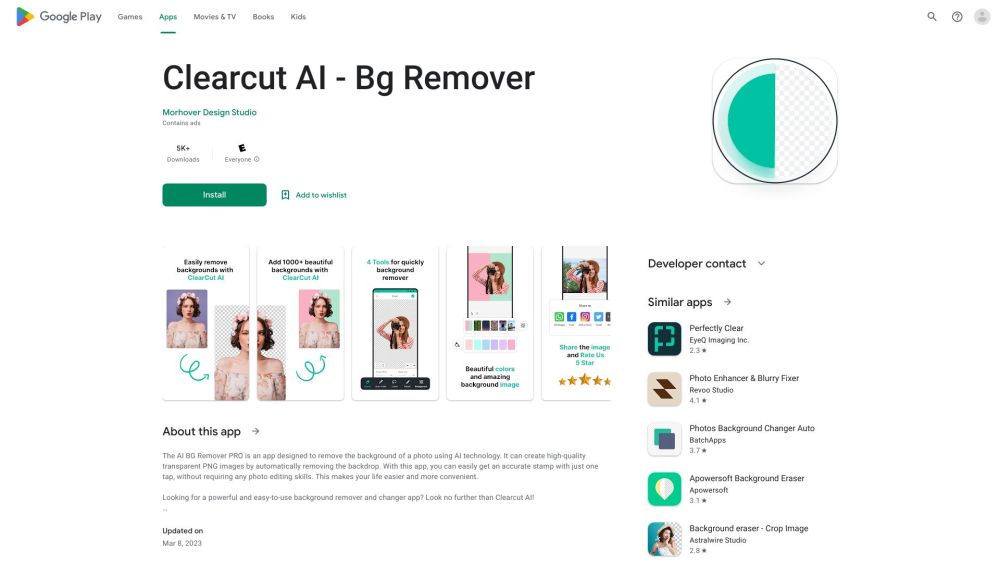
Clearcut AI website preview

Clearcut AI Website screenshot

What is Clearcut AI?

Clearcut AI is a robust and intuitive app designed to remove and change backgrounds effortlessly.

How to Use Clearcut AI?

Using Clearcut AI is straightforward. Upload your image, choose the area to remove or the background to change, and let the app handle the rest seamlessly!

Clearcut AI's Core Features

Sophisticated AI for precise background removal

User-friendly interface for easy editing

Instant preview of modifications

Save or download images in multiple formats

Clearcut AI's Use Cases

Product photos for e-commerce

Professional profile images

Social media content

Creative graphic design

Product source: Clearcut AI official website. Check the provider for current plans, limits and availability.

FAQ

Clearcut AI questions and answers

Product context and practical checks for evaluating Clearcut AI.

What is Clearcut AI used for?

Clearcut AI: Easily remove and change backgrounds with this powerful, user-friendly app. Perfect for visuals and edits!

How do I get started with Clearcut AI?

Using Clearcut AI is straightforward. Upload your image, choose the area to remove or the background to change, and let the app handle the rest seamlessly!

Which capabilities are described for Clearcut AI?

Sophisticated AI for precise background removalUser-friendly interface for easy editingInstant preview of modificationsSave or download images in multiple formats

What projects can I evaluate Clearcut AI for?

Product photos for e-commerceProfessional profile imagesSocial media contentCreative graphic design

What should I compare before choosing a Clearcut AI plan?

Check Clearcut AI’s current pricing page for included usage, renewal terms and any credit charges. Compare the cost of a usable result, including retries, rather than assuming that account registration includes free usage.

What inputs should I prepare for a Clearcut AI trial?

Look for text prompts, image references, masks or sketches as appropriate. Compare composition control, supported upload types and the ability to revise a selected area.

How can I check the quality of a Clearcut AI result?

Inspect text, hands, edges, reflections and repeated objects at full size. Check that important product or brand details survive editing.

Which export options should I check in Clearcut AI?

Compare pixel dimensions, transparency, file formats and any enlargement options. Confirm that the downloaded result works in your design or publishing software.

What is a practical way to test Clearcut AI against alternatives?

Prepare a brief with a subject, composition, lighting and required output size. Test a first generation and a targeted revision to see how much control you retain.

Where is the official Clearcut AI website?

The website linked from this profile is https://play.google.com/store/apps/details?id=com.bgremover.ai&utm_source=toolify. Use the provider’s own documentation, account area and support channels to confirm current product details.

Visit Clearcut AI