AI Product Description Generator

Chekable

Chekable: Effortlessly draft patents, check novelty, get prior art reports, and compare competitors. Simplify your patent process today!

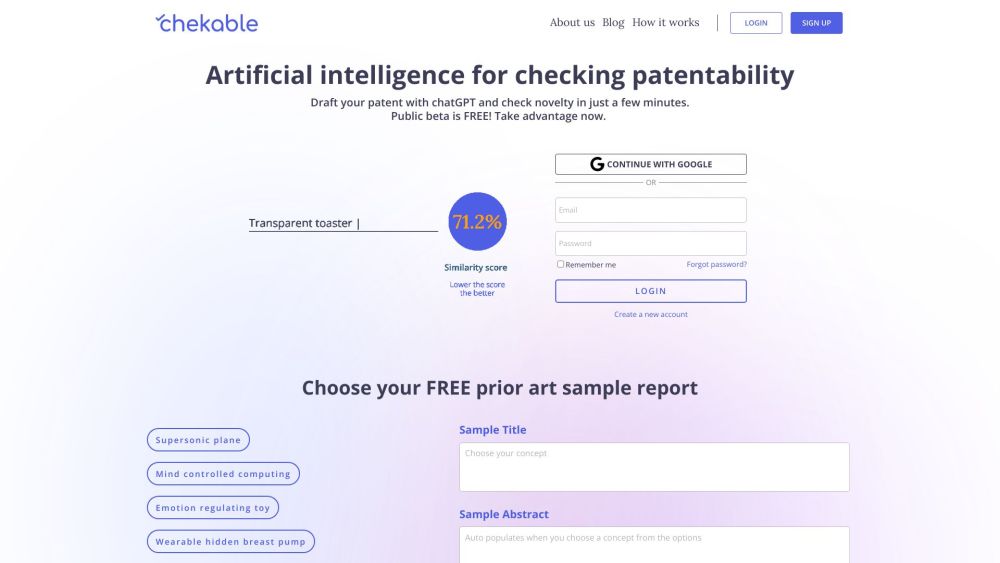
Chekable website preview

Chekable Website screenshot

What is Chekable?

Chekable is an innovative platform designed to streamline the process of patent application drafting, novelty checking, obtaining prior art reports, and benchmarking against competitors with ease.

How to use Chekable?

1. Register for a Chekable account.
2. Utilize the platform's user-friendly editor to draft your patent application.
3. Click on the 'Check Novelty' button to submit your draft for novelty analysis.
4. Receive a detailed novelty report, including prior art references.
5. Benchmark your competitors by clicking on the 'Compare Competitors' button and entering relevant details.
6. Analyze the insights and detailed reports on your competitors' patents.
7. Refine your patent application based on the feedback and analysis received.
8. Repeat the process as needed until you are satisfied with your draft.

Chekable's Core Features

Patent Application Drafting

Novelty Checking

Prior Art Reports

Competitor Benchmarking

Chekable's Use Cases

Ideal for inventors and creators looking to protect their intellectual property

Perfect for lawyers and patent agents who need efficient drafting and analysis tools

Companies aiming to enhance their patent portfolio and stay competitive

  • Chekable Support Email & Customer Service Contact & Refund Contact

    For customer service, please email: [email protected]. For more contact information, visit the contact us page.

  • Chekable Company Information

    Company Name: OPEN-INVENTORS LLC

    Address: 288 3rd Street 511, Oakland, CA 94607, United States.

    For more information, please visit the about us page.

Product source: Chekable official website. Check the provider for current plans, limits and availability.

FAQ

Chekable questions and answers

Product context and practical checks for evaluating Chekable.

What is Chekable used for?

Chekable: Effortlessly draft patents, check novelty, get prior art reports, and compare competitors. Simplify your patent process today!

How do I get started with Chekable?

1. Register for a Chekable account. 2. Utilize the platform's user-friendly editor to draft your patent application. 3. Click on the 'Check Novelty' button to submit your draft for novelty analysis. 4. Receive a detailed novelty report, including prior art references. 5. Benchmark your competitors by clicking on the 'Compare Competitors' button and entering relevant details. 6. Analyze the insights and detailed reports on your competitors' patents. 7. Refine your patent application based on the feedback and analysis received. 8. Repeat the process as needed until you are satisfied with your draft.

Which capabilities are described for Chekable?

Patent Application DraftingNovelty CheckingPrior Art ReportsCompetitor Benchmarking

What projects can I evaluate Chekable for?

Ideal for inventors and creators looking to protect their intellectual propertyPerfect for lawyers and patent agents who need efficient drafting and analysis toolsCompanies aiming to enhance their patent portfolio and stay competitive Chekable Support Email & Customer Service Contact & Refund Contact For customer service, please email: [email protected]. For more contact information, visit the contact us page. Chekable Company Information Company Name: OPEN-INVENTORS LLC Address: 288 3rd Street 511, Oakland, CA 94607, United States. For more information, please visit the about us page.

What should I compare before choosing a Chekable plan?

Check Chekable’s current pricing page for included usage, renewal terms and any credit charges. Compare the cost of a usable result, including retries, rather than assuming that account registration includes free usage.

What inputs should I prepare for a Chekable trial?

Look for text prompts, image references, masks or sketches as appropriate. Compare composition control, supported upload types and the ability to revise a selected area.

How can I check the quality of a Chekable result?

Inspect text, hands, edges, reflections and repeated objects at full size. Check that important product or brand details survive editing.

Which export options should I check in Chekable?

Compare pixel dimensions, transparency, file formats and any enlargement options. Confirm that the downloaded result works in your design or publishing software.

What is a practical way to test Chekable against alternatives?

Prepare a brief with a subject, composition, lighting and required output size. Test a first generation and a targeted revision to see how much control you retain.

Where is the official Chekable website?

The website linked from this profile is https://chekable.com. Use the provider’s own documentation, account area and support channels to confirm current product details.

Visit Chekable