AI Chatbot

ChatGPT Messenger

ChatGPT Messenger: Enjoy prepaid GPT chats with no subscriptions required. Instant AI conversations, pay as you go—simple, flexible, and hassle-free!

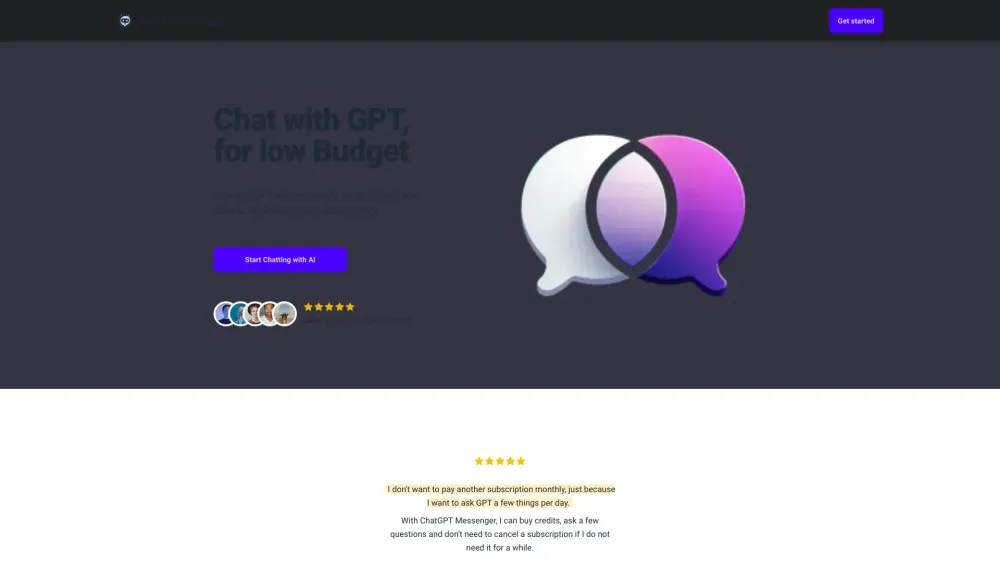
ChatGPT Messenger website preview

ChatGPT Messenger Website screenshot

Introducing ChatGPT Messenger

Experience the power of GPT without the hassle of ongoing subscriptions. ChatGPT Messenger allows you to engage in AI-driven conversations by simply purchasing prepaid credits, making it an affordable and flexible option for on-demand chats with GPT.

How Does ChatGPT Messenger Work?

Getting started is easy: just log in with your Google account, buy the credits you need, and begin your AI conversations instantly. No long-term commitments or monthly fees, just pure AI interaction whenever you need it.

Key Features of ChatGPT Messenger

Prepaid GPT Chatting

No Monthly Subscriptions

Credits Never Expire

Why Use ChatGPT Messenger?

Casual AI Conversations

Quick and Convenient Q&A Sessions

Product source: ChatGPT Messenger official website. Check the provider for current plans, limits and availability.

FAQ

ChatGPT Messenger questions and answers

Product context and practical checks for evaluating ChatGPT Messenger.

What is ChatGPT Messenger used for?

ChatGPT Messenger: Enjoy prepaid GPT chats with no subscriptions required. Instant AI conversations, pay as you go—simple, flexible, and hassle-free!

How do I get started with ChatGPT Messenger?

Getting started is easy: just log in with your Google account, buy the credits you need, and begin your AI conversations instantly. No long-term commitments or monthly fees, just pure AI interaction whenever you need it.

Which capabilities are described for ChatGPT Messenger?

Prepaid GPT ChattingNo Monthly SubscriptionsCredits Never Expire

What should I compare before choosing a ChatGPT Messenger plan?

For detailed pricing, visit: https://www.chatgpt-messenger.app/#pricing. Confirm current prices and allowances on the provider’s website before purchasing.

What inputs should I prepare for a ChatGPT Messenger trial?

Identify the files, text or account connections your task needs. Confirm that the product accepts those inputs and offers controls for reviewing its work.

How can I check the quality of a ChatGPT Messenger result?

Test one representative task and inspect the result for accuracy and completeness. Record where manual corrections or extra tools are needed.

Which export options should I check in ChatGPT Messenger?

Check export formats, integrations and whether you can keep using your work outside the service. Test a real export before committing to a longer plan.

What is a practical way to test ChatGPT Messenger against alternatives?

Choose one task with a clear success condition. Keep the input consistent, record the time spent reviewing and compare the complete workflow cost.

What should I review before uploading material to ChatGPT Messenger?

Read the provider’s rules on access, retention, deletion and use of uploaded material. Start with a non-confidential sample that you have permission to use.

Where is the official ChatGPT Messenger website?

The website linked from this profile is https://chatgpt-messenger.app. Use the provider’s own documentation, account area and support channels to confirm current product details.

Visit ChatGPT Messenger