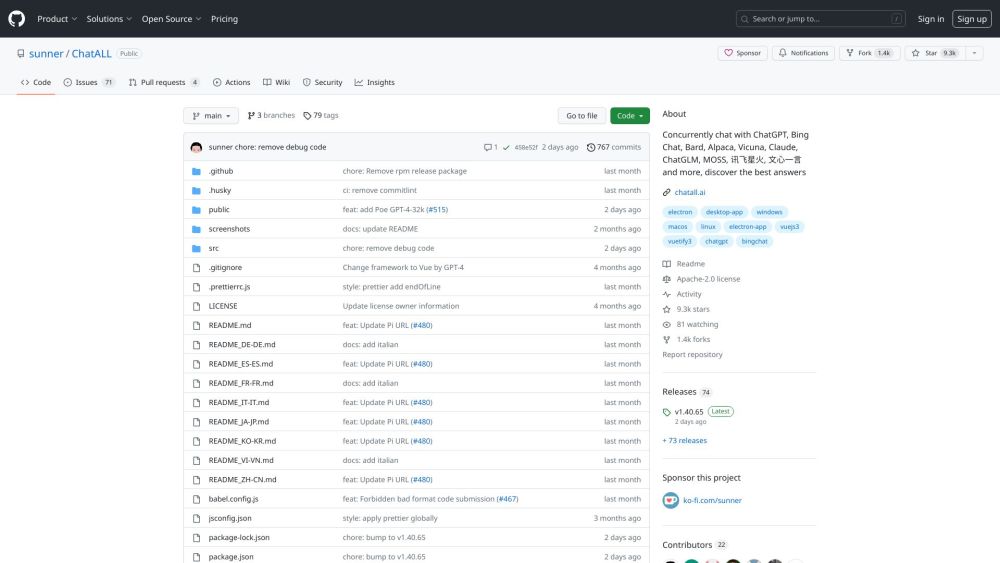
What is ChatALL?
ChatALL is a versatile desktop application that enables users to engage in simultaneous conversations with a variety of AI bots, including ChatGPT, Bing Chat, Bard, Alpaca, Vicuna, and others. This feature allows users to obtain the most accurate and comprehensive answers by comparing responses from different bots.
How to use ChatALL?
To get started with ChatALL, first download and install the application on your device. After installation, open the app to begin your chats with the AI bots. Input your questions or messages, and ChatALL will distribute them to your chosen bots simultaneously. The app allows you to manage which bots are active, save your chat logs, highlight the best responses, and switch between various interface views. ChatALL is compatible with multiple languages and works across different operating systems.
ChatALL's Core Features
Simultaneously chat with multiple AI bots
Identify the best responses from different bots
Store chat history on your device
Mark top responses for easy reference
Toggle bots on or off as needed
Switch between different interface layouts
Supports various languages and operating systems
-
ChatALL Login
ChatALL Login Link: https://github.com/login?return_to=%2Fsunner%2FChatALL
-
ChatALL Sign up
ChatALL Sign up Link: https://github.com/signup?ref_cta=Sign+up&ref_loc=header+logged+out&ref_page=%2F%3Cuser-name%3E%2F%3Crepo-name%3E&source=header-repo&source_repo=sunner%2FChatALL
-
ChatALL Github
ChatALL Github Link: https://github.com/sunner/ChatALL