What is CaptionCreator?
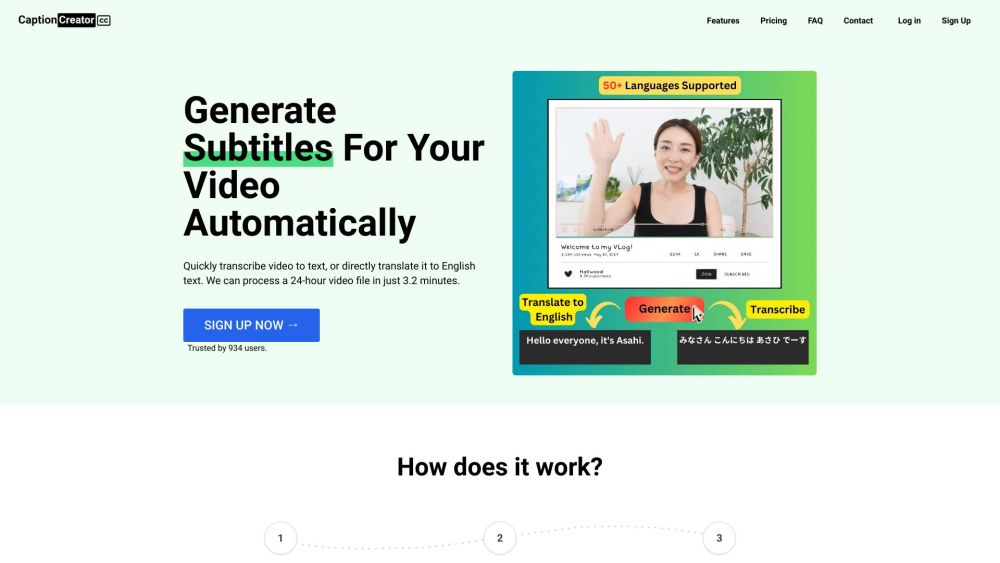
CaptionCreator is an online tool that generates subtitles for videos automatically.
How to use CaptionCreator?
1. Upload your video or audio file.
2. Choose the source language of the audio.
3. Select either the transcribe mode or translate to English mode.
4. Download the output in SRT, VTT, or plain text format.
CaptionCreator's Core Features
Efficient video to text transcription
Translate video content to English
Supports over 50 languages
Handles multilingual audio
Effective in noisy environments
Adaptable to various accents and dialects
CaptionCreator's Use Cases
Subtitling videos
Creating transcripts for meetings and conversations
CaptionCreator Support Email & Customer Service Contact
For customer service, contact CaptionCreator support via email: [email protected]. For more contact information, visit our contact page.
CaptionCreator Company Information
Learn more about CaptionCreator by visiting our about us page.
CaptionCreator Login
Login to CaptionCreator here: https://captioncreator.cc/signin
CaptionCreator Sign Up
Sign up for CaptionCreator here: https://captioncreator.cc/signup
CaptionCreator Pricing
Check out our pricing plans here: https://captioncreator.cc/#pricing