Captions or Subtitle

Audio2Text

Convert audio to text with high accuracy

Audio2Text website preview

Here is the revised text: ```html
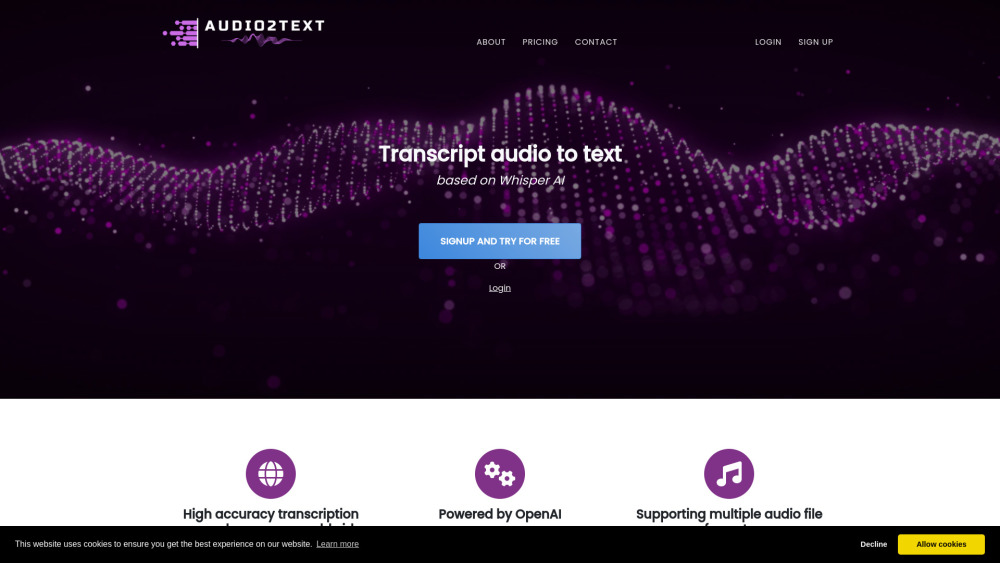
Audio2Text Website screenshot

Understanding Audio2Text

Audio2Text is a powerful tool driven by OpenAI, designed to transform audio files into text with remarkable precision. It supports a wide range of languages and audio formats, offering users the flexibility to download transcriptions in multiple formats.

Using Audio2Text: A Step-by-Step Guide

To utilize Audio2Text, simply upload your audio file to the platform. The cutting-edge AI will then generate a text version of your audio. You can save the transcribed text in different formats, depending on your needs.

Key Features of Audio2Text

Highly Accurate Transcriptions

Support for 58 Different Languages

Compatible with Various Audio Formats

Export Transcripts as TXT, PDF, or SRT Files

Practical Applications of Audio2Text

Convert Speeches or Audio into Text

Easily Generate Subtitles for Videos

Product source: Audio2Text official website. Check the provider for current plans, limits and availability.

FAQ

Audio2Text questions and answers

Product context and practical checks for evaluating Audio2Text.

What is Audio2Text used for?

Convert audio to text with high accuracy

How do I get started with Audio2Text?

Open the official Audio2Text website and identify the workflow that matches your task. Use a real brief and a short source document. Compare factual accuracy, structure and editing time rather than accepting the longest or most confident draft.

Which capabilities are described for Audio2Text?

Highly Accurate TranscriptionsSupport for 58 Different LanguagesCompatible with Various Audio FormatsExport Transcripts as TXT, PDF, or SRT Files

What projects can I evaluate Audio2Text for?

Convert Speeches or Audio into TextEasily Generate Subtitles for Videos Audio2Text Support and Contact Information For customer support, please contact Audio2Text via email at [email protected]. For more details, visit our Contact Us page. About Audio2Text To learn more about Audio2Text, visit our About Us page. Audio2Text Login Log in to Audio2Text at https://www.ui.audio2text.eu/login. Sign Up for Audio2Text Register for an account at https://www.ui.audio2text.eu/register. Audio2Text Pricing Information For pricing details, visit our Pricing page. Explore Audio2Text on GitHub Check out the Audio2Text project on GitHub at https://github.com/openai/whisper.

What should I compare before choosing a Audio2Text plan?

For pricing details, visit our Pricing page. Confirm current prices and allowances on the provider’s website before purchasing.

What inputs should I prepare for a Audio2Text trial?

Compare support for source documents, style instructions, outlines and length limits. Check whether citations link to real material rather than merely looking like references.

How can I check the quality of a Audio2Text result?

Verify names, dates, quotations and factual claims against the original sources. Edit tone, remove repetition and make sure the text answers the intended reader’s question.

Which export options should I check in Audio2Text?

Check export to plain text, Markdown, documents or your publishing system. Formatting, headings and working links matter when moving a draft into production.

What is a practical way to test Audio2Text against alternatives?

Use a real brief and a short source document. Compare factual accuracy, structure and editing time rather than accepting the longest or most confident draft.

Where is the official Audio2Text website?

The website linked from this profile is https://audio2text.eu. Use the provider’s own documentation, account area and support channels to confirm current product details.

Visit Audio2Text