AI Developer Tools

Array Assistant - AI Excel Bot

Array Assistant is an AI-powered Excel bot that helps you streamline and optimize your Excel spreadsheets. It leverages advanced AI technology to assist with Excel formulas and provide valuable insights to enhance your spreadsheet analysis and data manipulation.

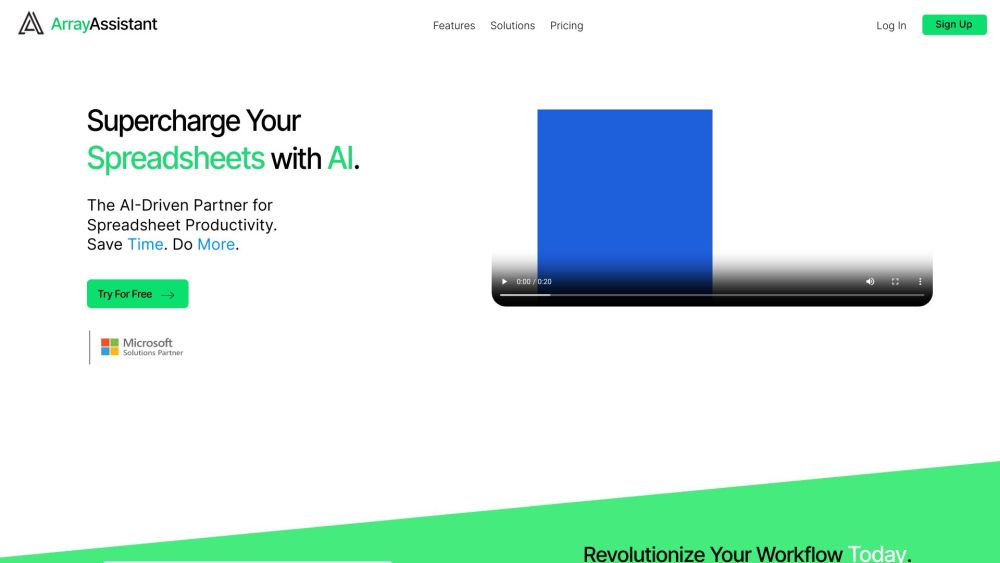
Array Assistant - AI Excel Bot website preview

Introducing ExcelGenius - Your Ultimate AI-Powered Excel Assistant

ExcelGenius is a cutting-edge AI Excel bot designed to revolutionize the way you work with Excel spreadsheets. With its advanced AI technology, ExcelGenius is your go-to tool for optimizing, streamlining, and enhancing your data manipulation tasks.

How ExcelGenius Works

Utilizing ExcelGenius is simple - just install the Excel Add-in or plugin and open your spreadsheet. You can then communicate with the bot using natural language commands. ExcelGenius offers suggestions for formulas, data analysis techniques, and aids in tasks like sorting and filtering data.

Key Features of ExcelGenius

AI-powered assistance for Excel formulas

Insights and techniques for data analysis

Data manipulation and formatting support

Seamless integration with Microsoft Excel and Google Sheets

User-friendly natural language interaction

Practical Applications of ExcelGenius

Enhancing complex formulas

Visualizing and analyzing data

Efficient data manipulation

Task automation for increased productivity

Facilitating collaboration and sharing

Product source: Array Assistant - AI Excel Bot official website. Check the provider for current plans, limits and availability.

FAQ

Array Assistant - AI Excel Bot questions and answers

Product context and practical checks for evaluating Array Assistant - AI Excel Bot.

What is Array Assistant - AI Excel Bot used for?

Array Assistant is an AI-powered Excel bot that helps you streamline and optimize your Excel spreadsheets. It leverages advanced AI technology to assist with Excel formulas and provide valuable insights to enhance your spreadsheet analysis and data manipulation.

How do I get started with Array Assistant - AI Excel Bot?

Utilizing ExcelGenius is simple - just install the Excel Add-in or plugin and open your spreadsheet. You can then communicate with the bot using natural language commands. ExcelGenius offers suggestions for formulas, data analysis techniques, and aids in tasks like sorting and filtering data.

Which capabilities are described for Array Assistant - AI Excel Bot?

AI-powered assistance for Excel formulasInsights and techniques for data analysisData manipulation and formatting supportSeamless integration with Microsoft Excel and Google SheetsUser-friendly natural language interaction

What projects can I evaluate Array Assistant - AI Excel Bot for?

Enhancing complex formulasVisualizing and analyzing dataEfficient data manipulationTask automation for increased productivityFacilitating collaboration and sharing ExcelGenius Support and Contacts For more information and support, please visit the contact us page(https://excelgenius.ai/contact) About ExcelGenius To learn more about ExcelGenius, visit the about us page(https://excelgenius.ai/about). ExcelGenius Login Access ExcelGenius here: https://excelgenius.ai/signIn ExcelGenius Sign up Sign up for ExcelGenius at: https://excelgenius.ai/createAccount ExcelGenius Pricing Explore ExcelGenius pricing options here: https://excelgenius.ai/pricing

What should I compare before choosing a Array Assistant - AI Excel Bot plan?

Explore ExcelGenius pricing options here: https://excelgenius.ai/pricing Confirm current prices and allowances on the provider’s website before purchasing.

What inputs should I prepare for a Array Assistant - AI Excel Bot trial?

Check supported documents, datasets and source access. Establish whether the product can inspect your actual material rather than answer from general knowledge.

How can I check the quality of a Array Assistant - AI Excel Bot result?

Follow citations to the original source, recalculate important numbers and check the date and scope of the evidence. Distinguish an explanation from a verified result.

Which export options should I check in Array Assistant - AI Excel Bot?

Look for usable citations, tables, downloadable data and reproducible steps. A clear answer should let another person inspect how the conclusion was reached.

What is a practical way to test Array Assistant - AI Excel Bot against alternatives?

Choose a question with known sources and a checkable result. Compare citation accuracy, omissions and reproducibility rather than response length.

Where is the official Array Assistant - AI Excel Bot website?

The website linked from this profile is https://arrayassistant.ai. Use the provider’s own documentation, account area and support channels to confirm current product details.

Visit Array Assistant - AI Excel Bot