AI Builder

AppMaster

AppMaster: Create mobile apps effortlessly with this no-code platform! Intuitive drag-and-drop interface, customizable features, reviews, pricing & alternatives.

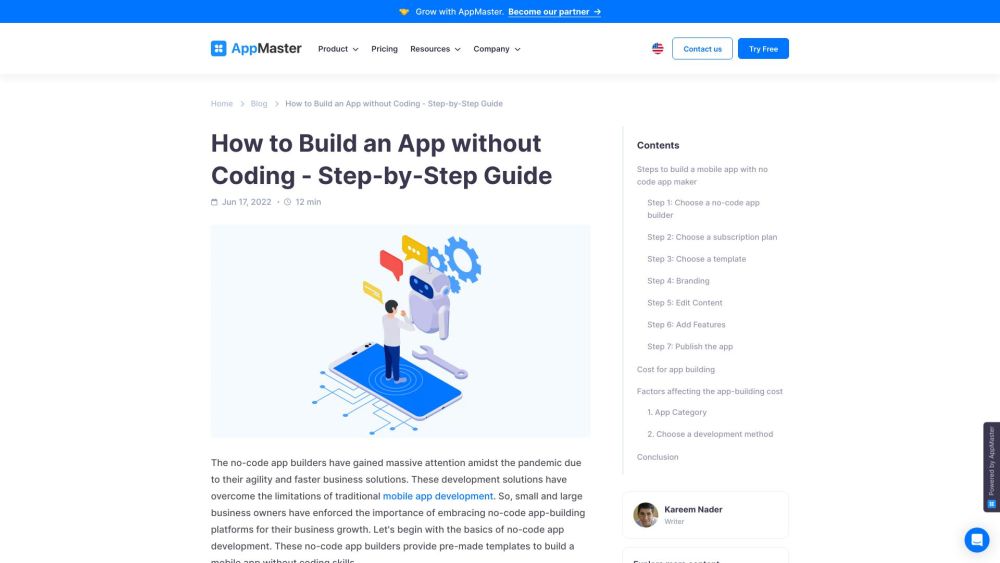
AppMaster website preview

AppMaster Website screenshot

What is AppMaster?

AppMaster is a robust no-code platform designed for building mobile applications without the need for programming skills. With its user-friendly interface and drag-and-drop tools, users can effortlessly create custom mobile apps.

How to use AppMaster?

Using AppMaster involves a few straightforward steps: 1. Sign up for a no-code app builder 2. Choose a suitable subscription plan 3. Pick a template that fits your needs 4. Personalize your app’s branding 5. Edit and update the content 6. Incorporate desired features 7. Deploy the app

AppMaster's Core Features

Mobile Apps Builder: Design mobile apps without coding skills

Drag and Drop Functionality: Simple interface for building apps

Integrations: Connect with popular tools seamlessly

Web Apps Designer: Create admin dashboards or customer portals

Data Models Designer: Develop data models with various field options

Business Process Editor: Graphically design business workflows

Industry Solutions: Access solutions tailored to specific industries

No-Code Platform: Enable app development without coding expertise

AppMaster's Use Cases

Business Growth: Facilitate business growth with intuitive app development

Digitalization: Streamline business processes with digital solutions

Custom Solutions: Build tailored mobile apps for unique business needs

Cost Savings: Reduce development costs with no-code solutions

Quick Launch: Expedite app launch on various app stores

Product source: AppMaster official website. Check the provider for current plans, limits and availability.

FAQ

AppMaster questions and answers

Product context and practical checks for evaluating AppMaster.

What is AppMaster used for?

AppMaster: Create mobile apps effortlessly with this no-code platform! Intuitive drag-and-drop interface, customizable features, reviews, pricing & alternatives.

How do I get started with AppMaster?

Using AppMaster involves a few straightforward steps: 1. Sign up for a no-code app builder 2. Choose a suitable subscription plan 3. Pick a template that fits your needs 4. Personalize your app’s branding 5. Edit and update the content 6. Incorporate desired features 7. Deploy the app

Which capabilities are described for AppMaster?

Mobile Apps Builder: Design mobile apps without coding skillsDrag and Drop Functionality: Simple interface for building appsIntegrations: Connect with popular tools seamlesslyWeb Apps Designer: Create admin dashboards or customer portalsData Models Designer: Develop data models with various field optionsBusiness Process Editor: Graphically design business workflowsIndustry Solutions: Access solutions tailored to specific industriesNo-Code Platform: Enable app development without coding expertise

What projects can I evaluate AppMaster for?

Business Growth: Facilitate business growth with intuitive app developmentDigitalization: Streamline business processes with digital solutionsCustom Solutions: Build tailored mobile apps for unique business needsCost Savings: Reduce development costs with no-code solutionsQuick Launch: Expedite app launch on various app stores AppMaster Support Email & Customer service contact & Refund contact etc. For more information, visit the contact us page AppMaster Pricing Find detailed pricing at: https://appmaster.io/pricing AppMaster Facebook Follow us on Facebook: https://www.facebook.com/appmaster.io AppMaster YouTube Subscribe to our YouTube channel: https://www.youtube.com/c/AppMasterio AppMaster LinkedIn

What should I compare before choosing a AppMaster plan?

Find detailed pricing at: https://appmaster.io/pricing Confirm current prices and allowances on the provider’s website before purchasing.

What inputs should I prepare for a AppMaster trial?

Compare repository access, context limits, supported languages and tool permissions. Check whether the assistant can read relevant files and run your existing checks.

How can I check the quality of a AppMaster result?

Review the diff, run tests and inspect error handling and dependency changes. Generated code should meet the same review standard as a human contribution.

Which export options should I check in AppMaster?

Prefer changes you can inspect and keep in version control. Check whether code, tests and configuration can be exported without depending on a hosted preview.

What is a practical way to test AppMaster against alternatives?

Choose a small reproducible bug with an existing failing check. Measure whether the tool fixes the cause, preserves behavior and produces a reviewable change.

Where is the official AppMaster website?

The website linked from this profile is https://www.promptdodo.com. Use the provider’s own documentation, account area and support channels to confirm current product details.

Visit AppMaster